Getting Started
Reference
Guides
How to get an API key for Claude
Please note:
Your Claude Pro/Max subscription is not compatible with MATE. MATE requires a separate Claude API key.
A developer account is for free. But there will be costs when using MATE with your API key. The costs depend on model, length of generated scripts, and on how many tools are being called. Check the pricing table here: https://platform.claude.com/docs/en/about-claude/pricing
What is an API key?
Steps
Create a Claude developer account
Add a payment method and buy some credits
Generate an API key
Enter API key in MATE plugin
Create a Claude developer account
Open this page and create an account or log in if you already have one: https://platform.claude.com
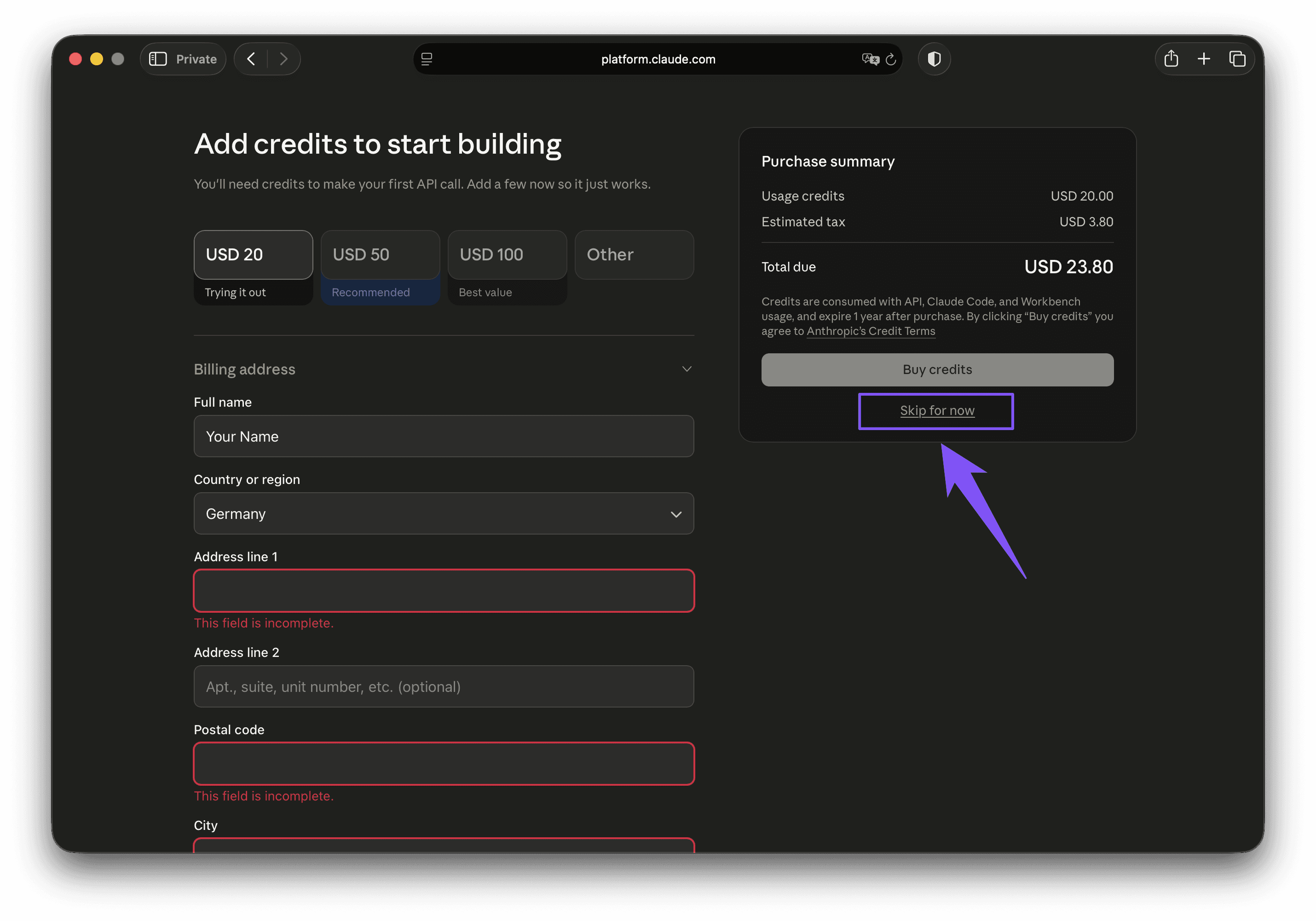
You will be greeted with this screen to let you know that you need to have a credit balance to use the API key. You can get some credits now (minimum $5) or click "Skip for now".
Add a payment method and buy some credits
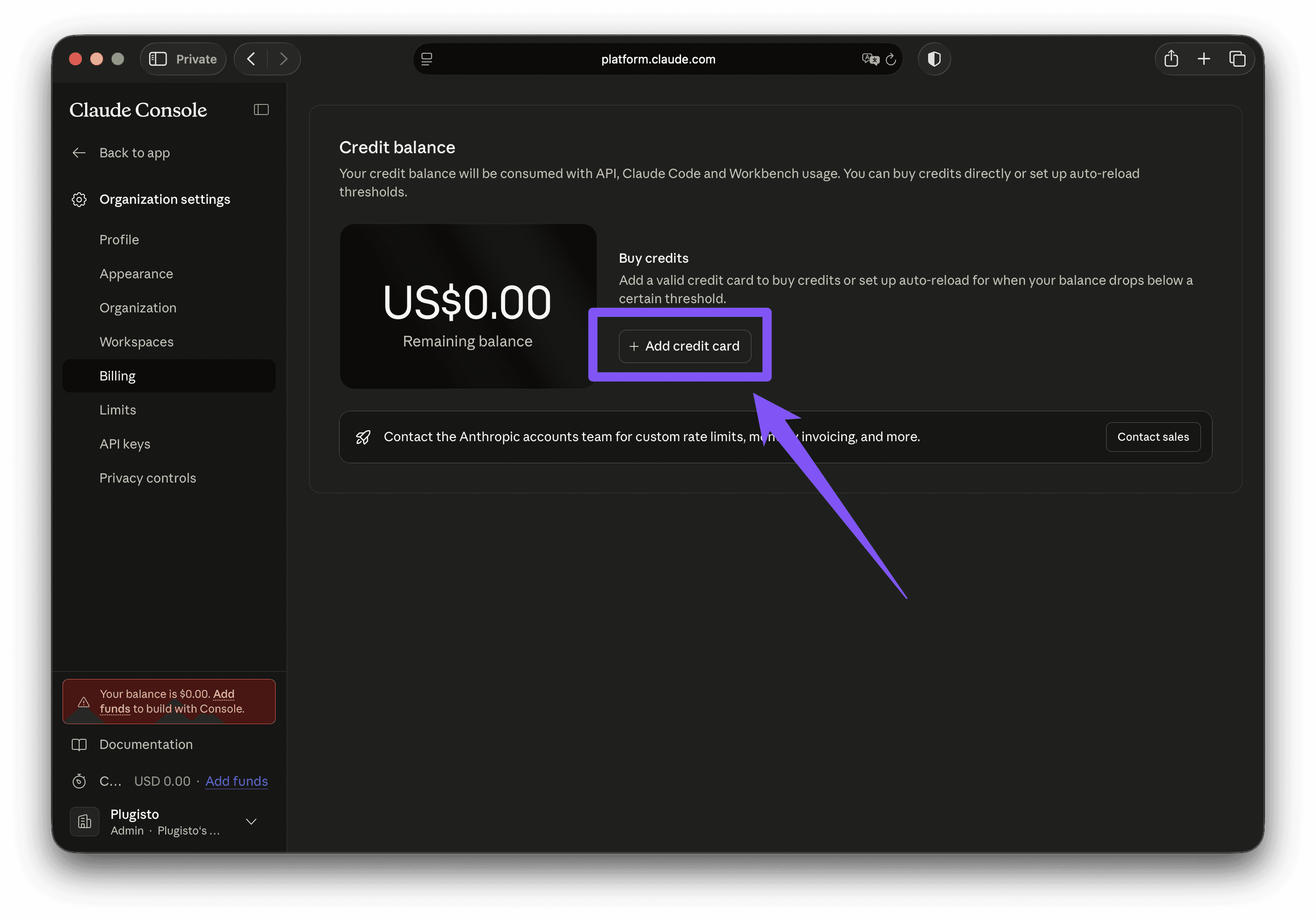
You will need to add a payment method (e.g. credit card). And also you will need to buy at least $5 worth of credits. Otherwise your API key won't work.
Open this page to buy credits
https://platform.claude.com/settings/keys
(Alternative, in your account go to Settings > Billing in the navigation on the left side).
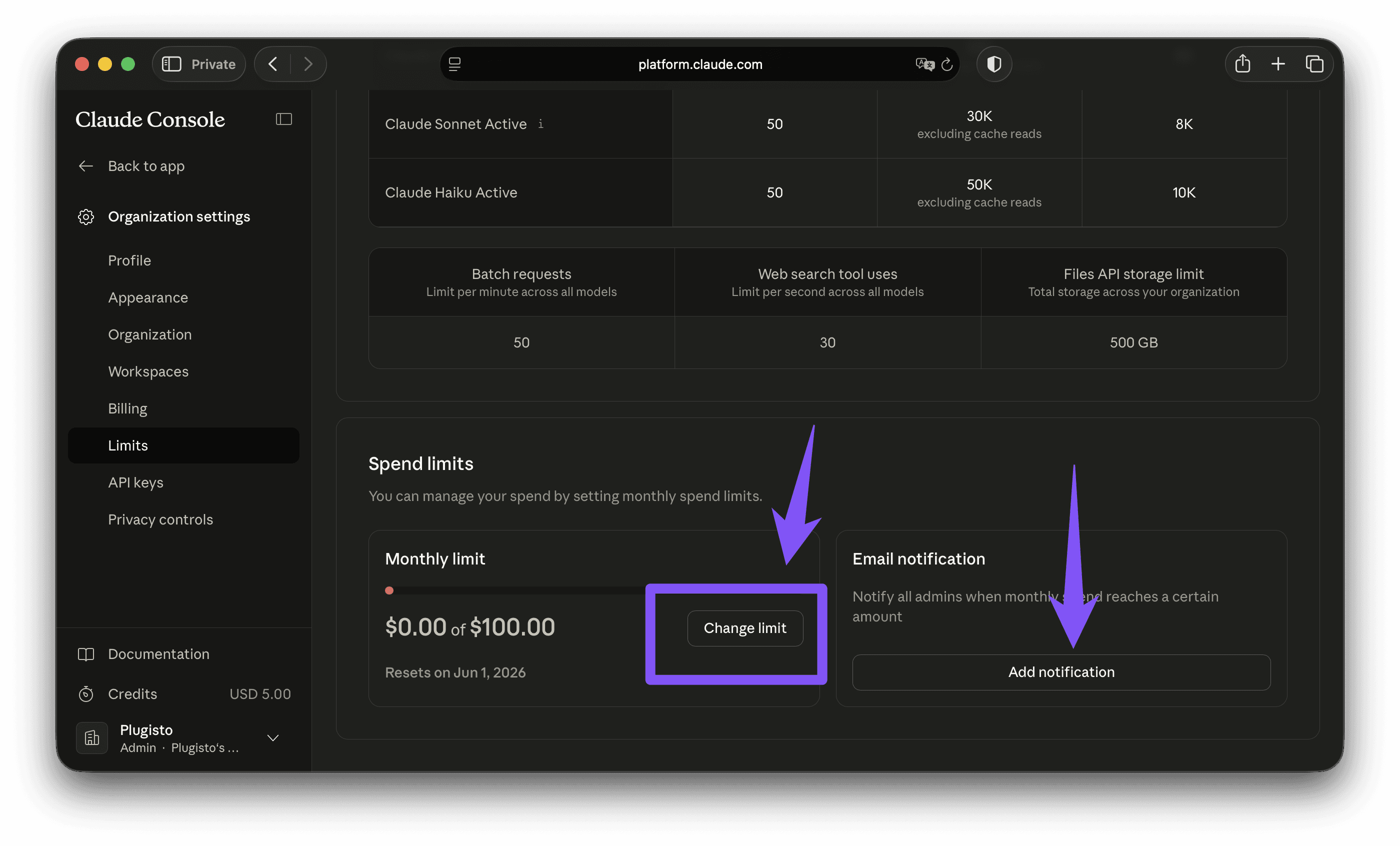
Under Settings > Limits you can set a monthly spending limit to keep costs under control. And also get email notifications when certain amounts have been reached. We recommend to set this up to give you some control over your credit balance.
Generate an API key
Navigate to this page: https://platform.openai.com/api-keys
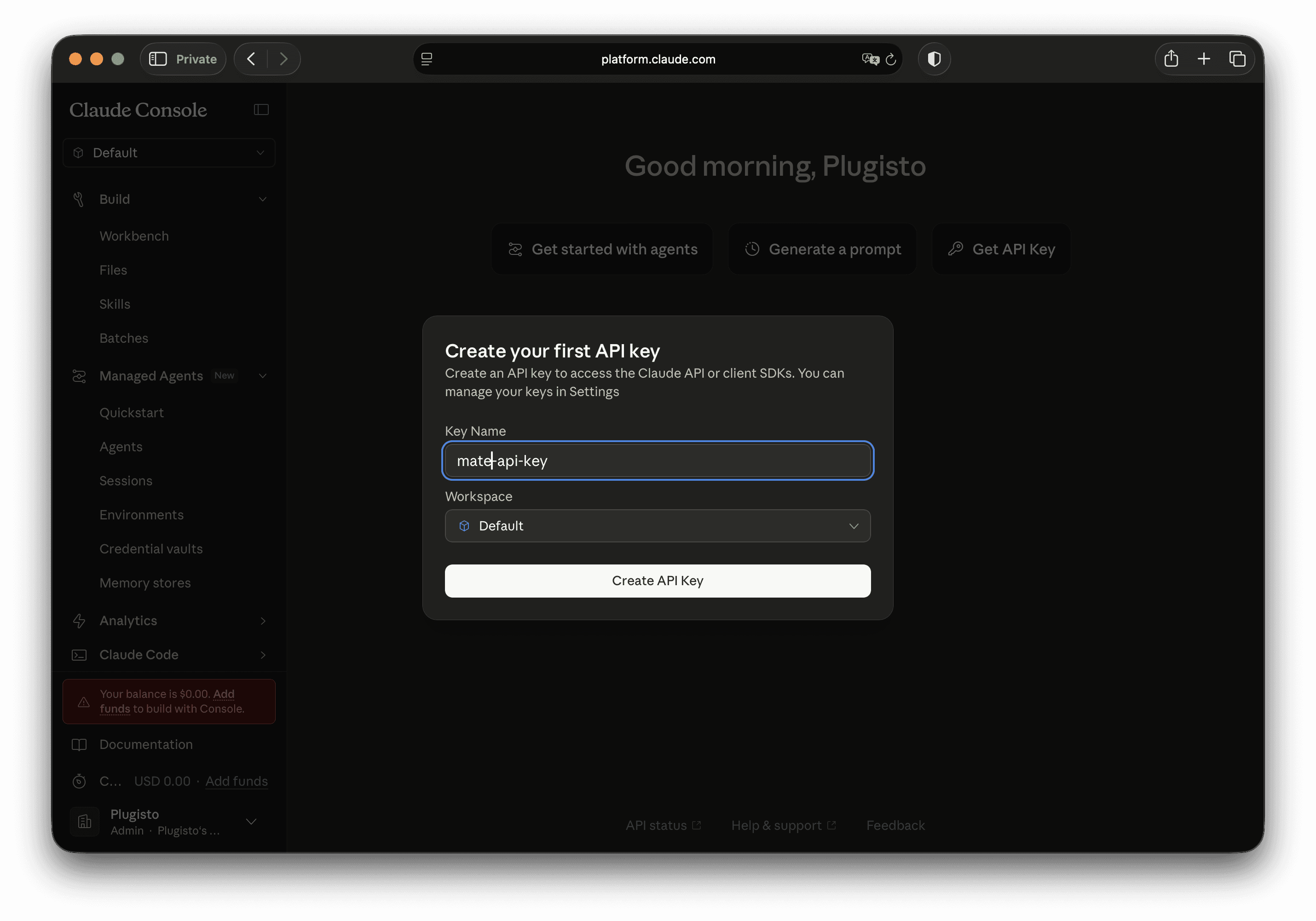
Click "Create Key" in the top right corner. Give your key a descriptive name (e.g. "MATE") and click create.
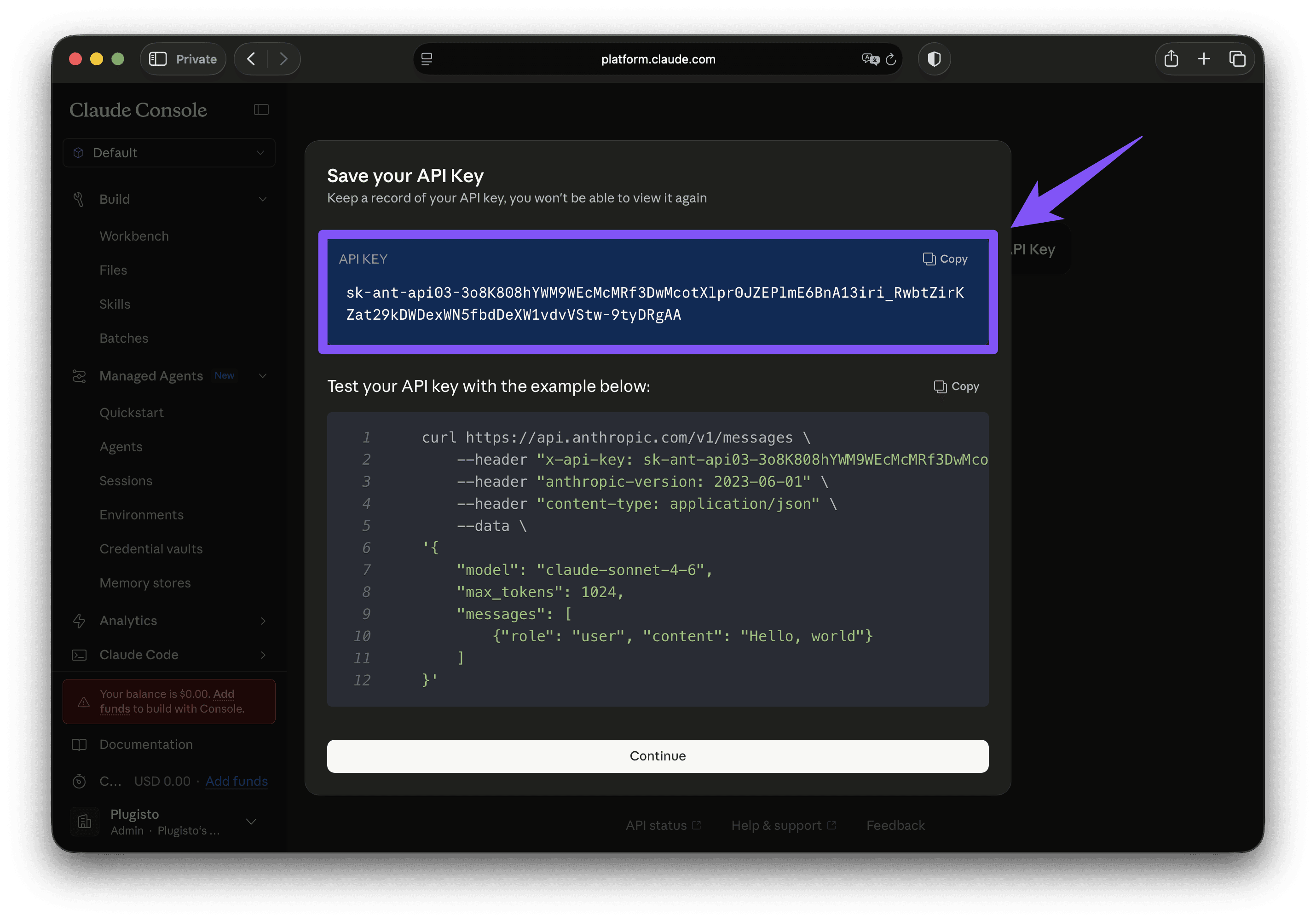
Important: Copy the key immediately and save it somewhere safe. You will not be shown it again. If you lose it, just create a new one.
Do not share this key. Anyone with your key can use Claude on your credit balance. Recreate the key from time to time.
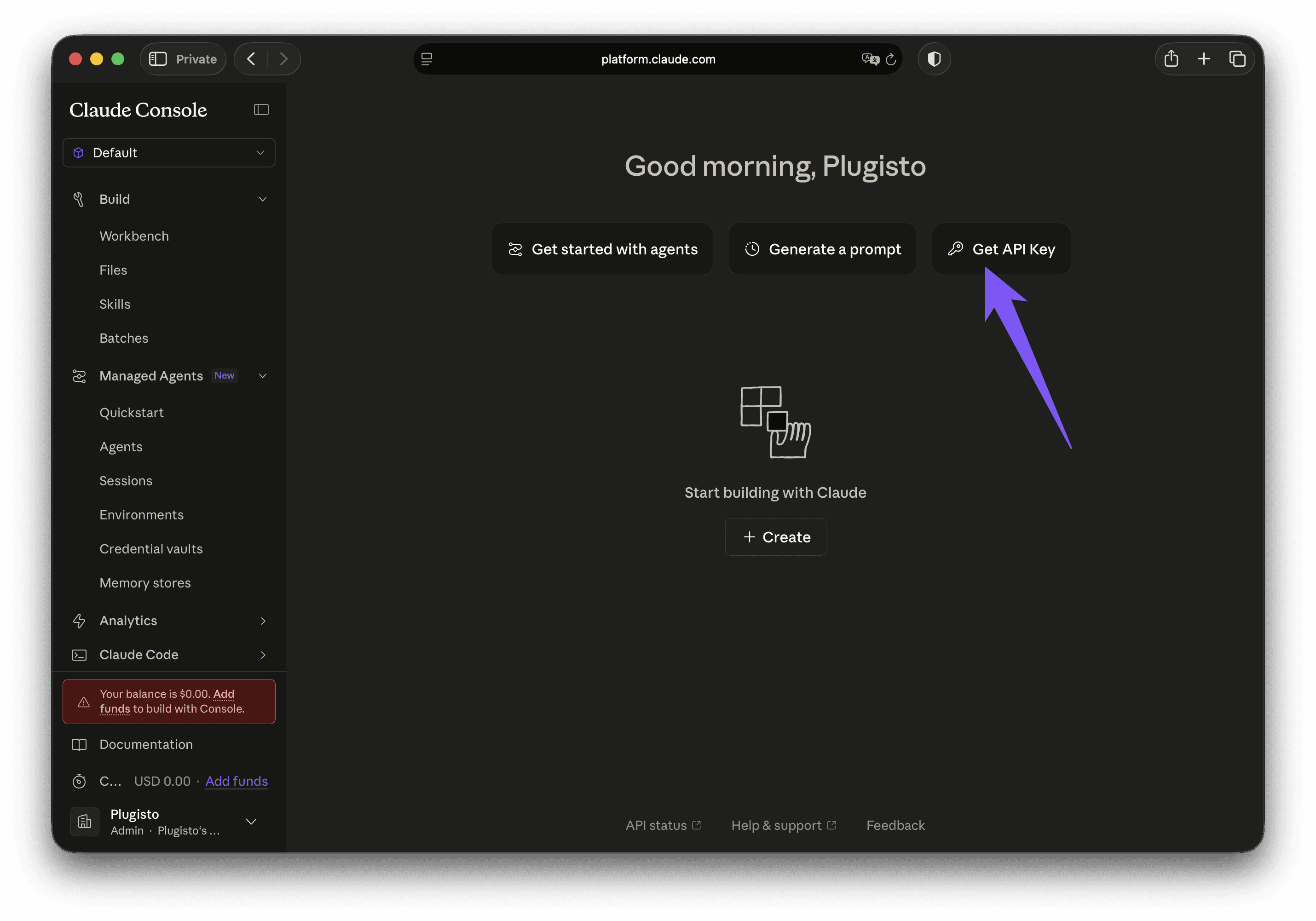
Create a new API key and give it a name.
Copy the API key and save it somewhere on your computer (e.g. in Notes on a password protected page)
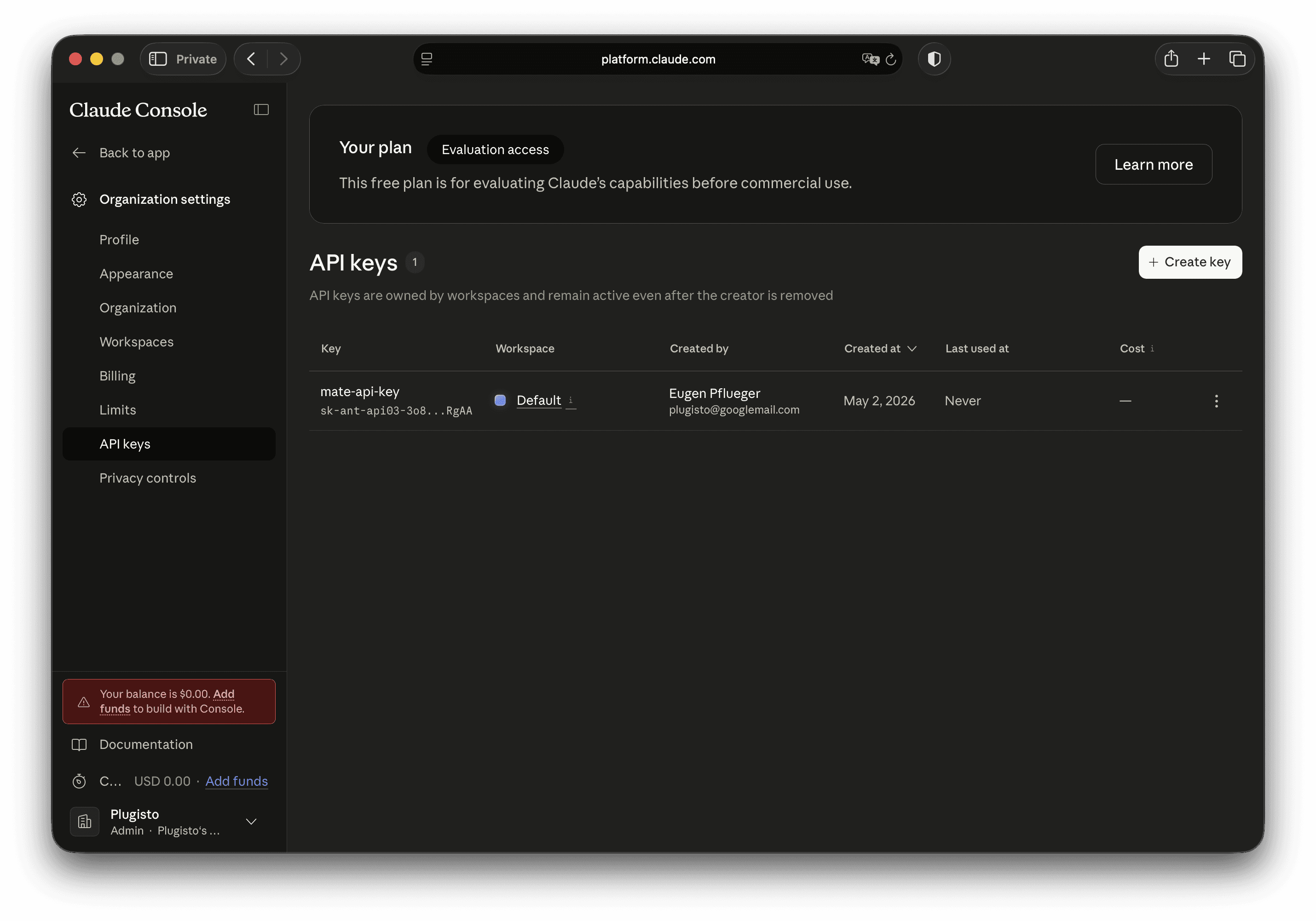
Here is an overview of your current API keys. If you are using multiple services with API keys, we recommend to create a separate key for every service.
Enter the API key in MATE
In MATE open the settings page, click on the tab "API Keys", choose "Claude API Key".
Enter your key and click "Save".
Your key will be validated quickly, to see if it works.
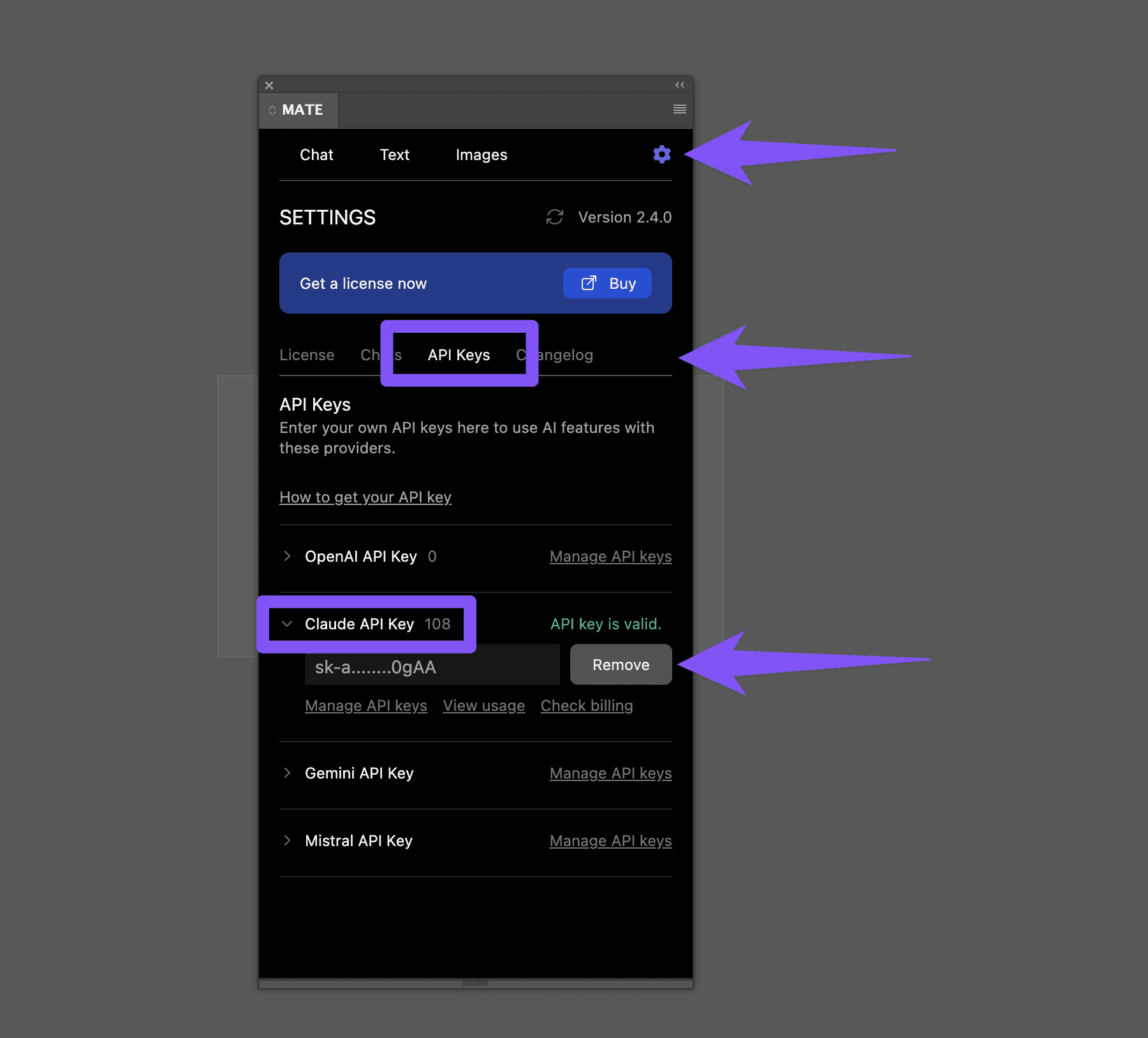
Ready to go
Now you can start a new chat, pick a Claude model and ask MATE to do things for you.