Getting Started
Reference
Guides
How to get an API key for OpenAI
Please note:
Your ChatGPT subscription is not compatible with MATE. MATE requires a separate OpenAI API key.
A developer account is for free. But there will be costs when using MATE via your API key. From experience these can be a few dollars up to $20 or more per month . It really depends on your usage. Check the pricing table here: https://openai.com/api/pricing
What is an API key?
Steps
Create a developer account at OpenAI
Add a payment method and buy some credits
Generate an API key
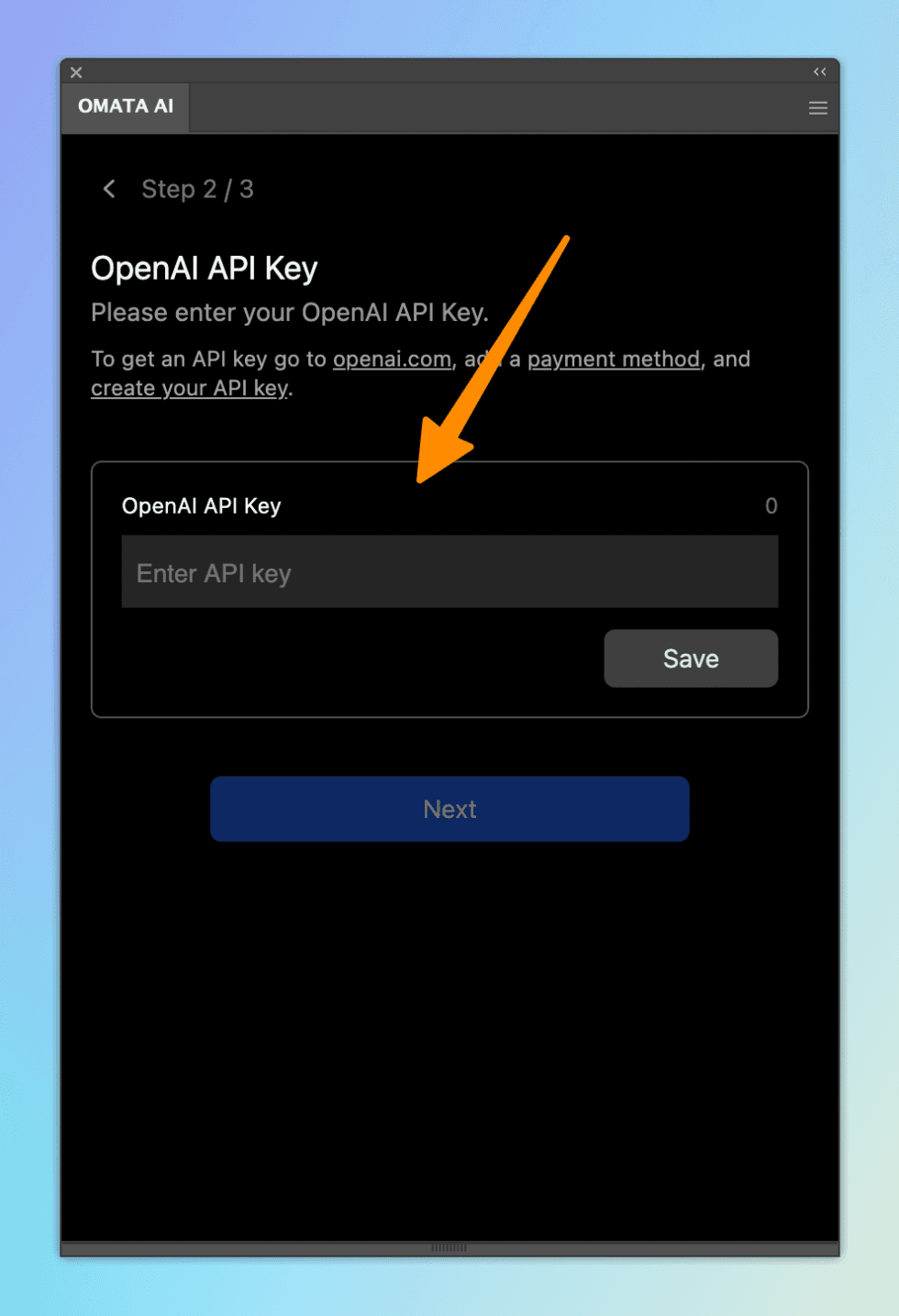
Enter the key in OMATA AI plugin
Create a developer account at OpenAI
Open this page and create an account or log in if you already have one: http://platform.openai.com
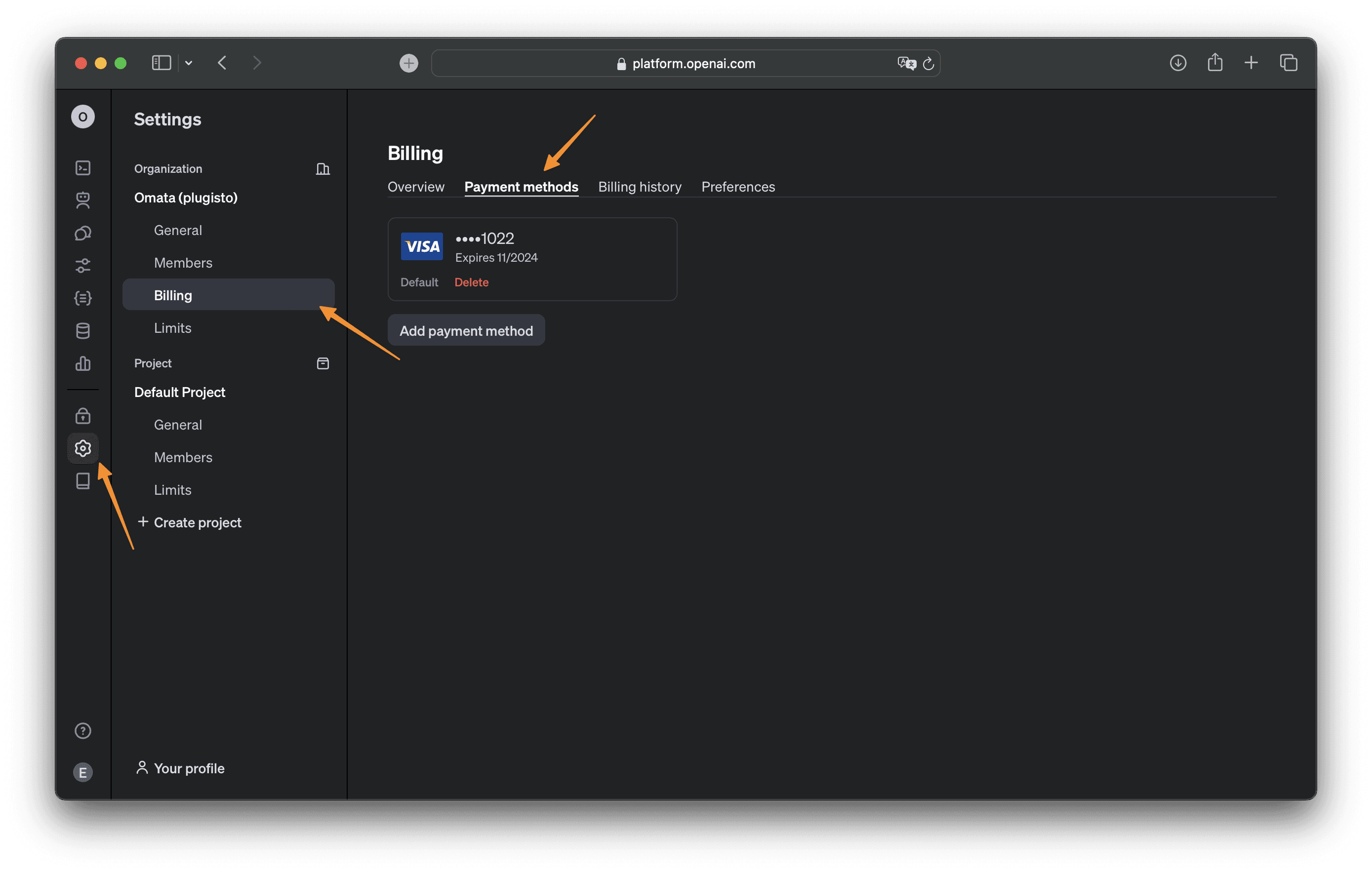
Add a payment method and buy some credits
You will need to add a payment method (e.g. credit card). And also you will need to buy at least $5 worth of credits (how to add credits by OpenAI). Otherwise OpenAI will deny your requests.
https://platform.openai.com/settings/organization/billing/payment-methods
Generate an API key
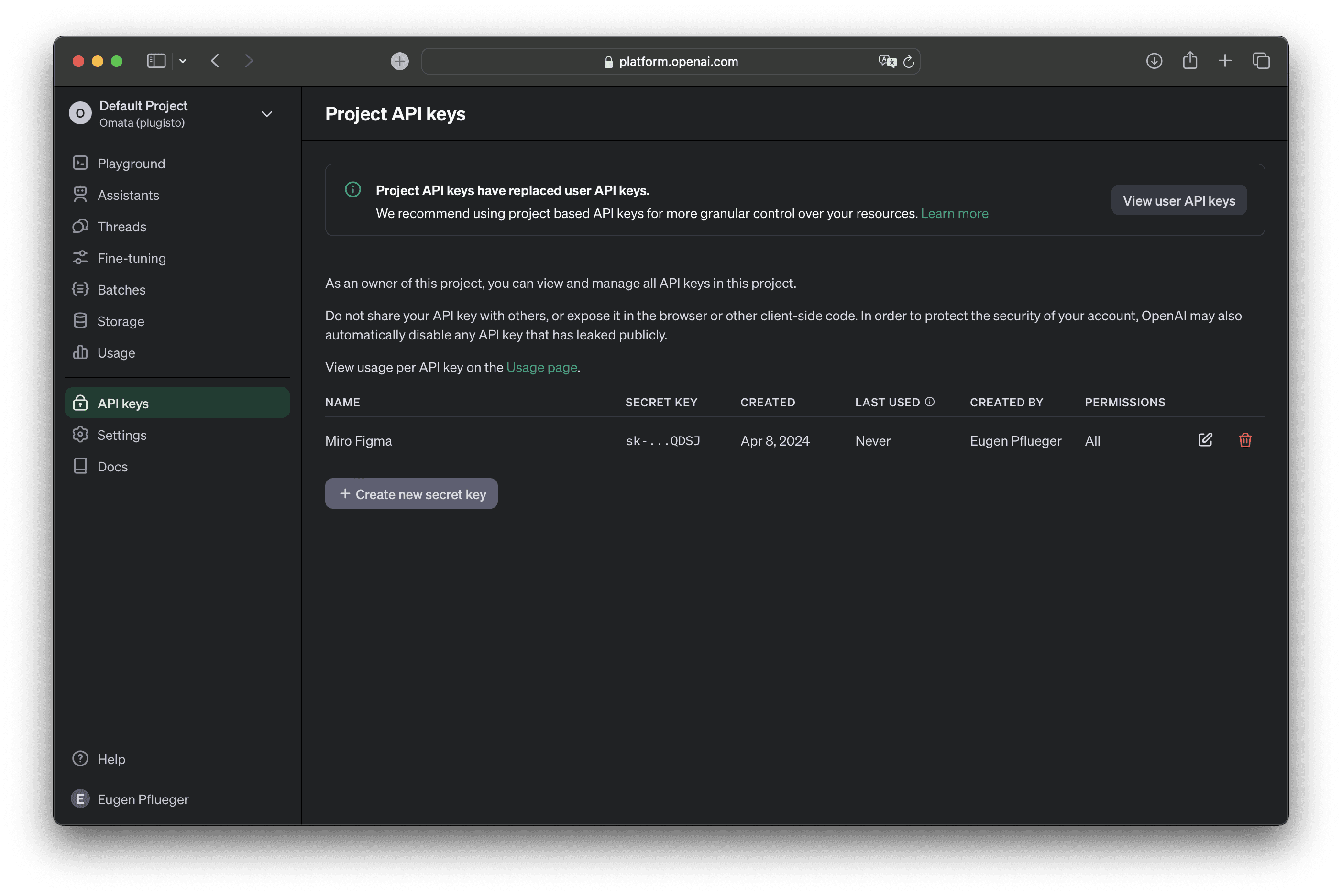
Navigate to this page: https://platform.openai.com/api-keys
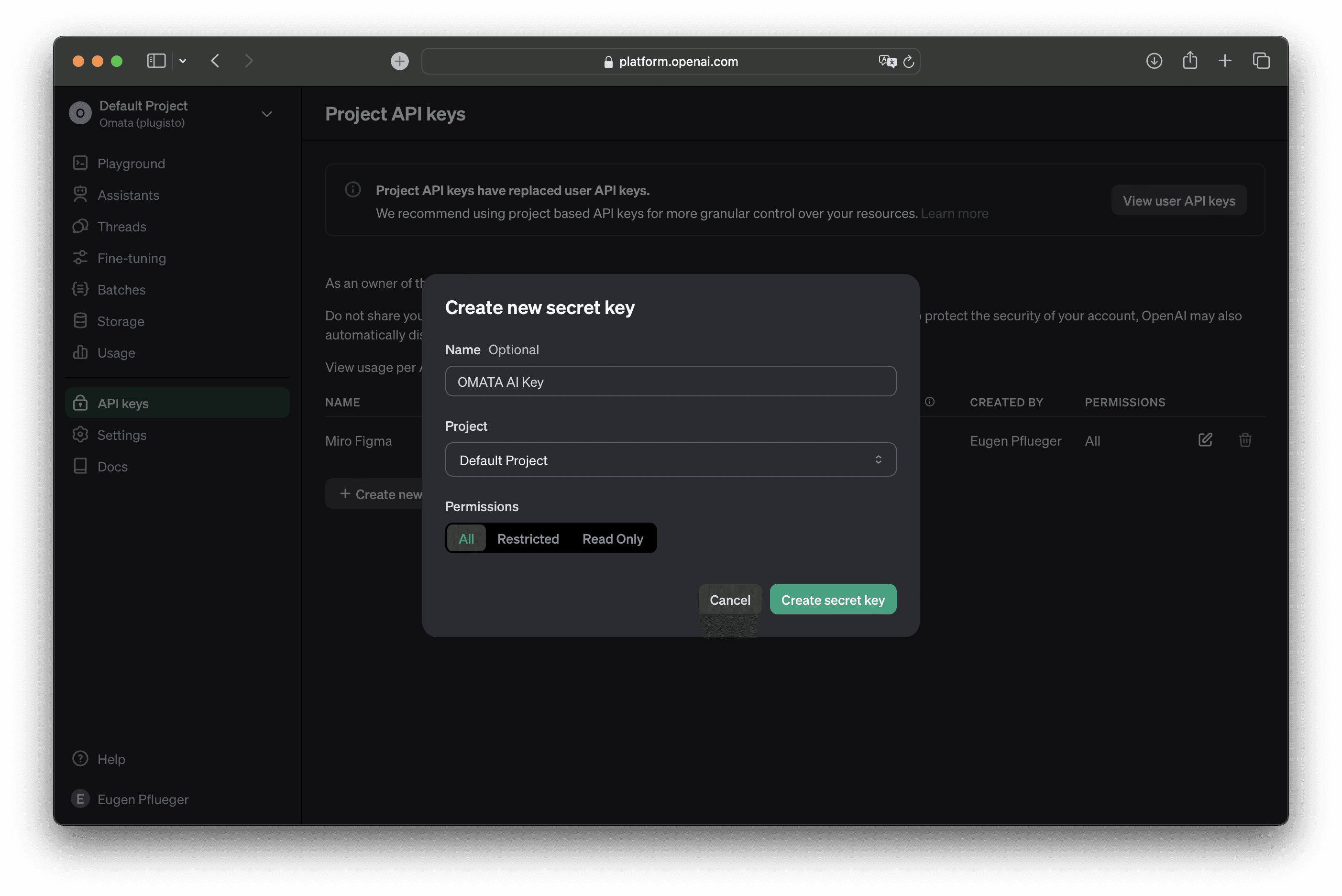
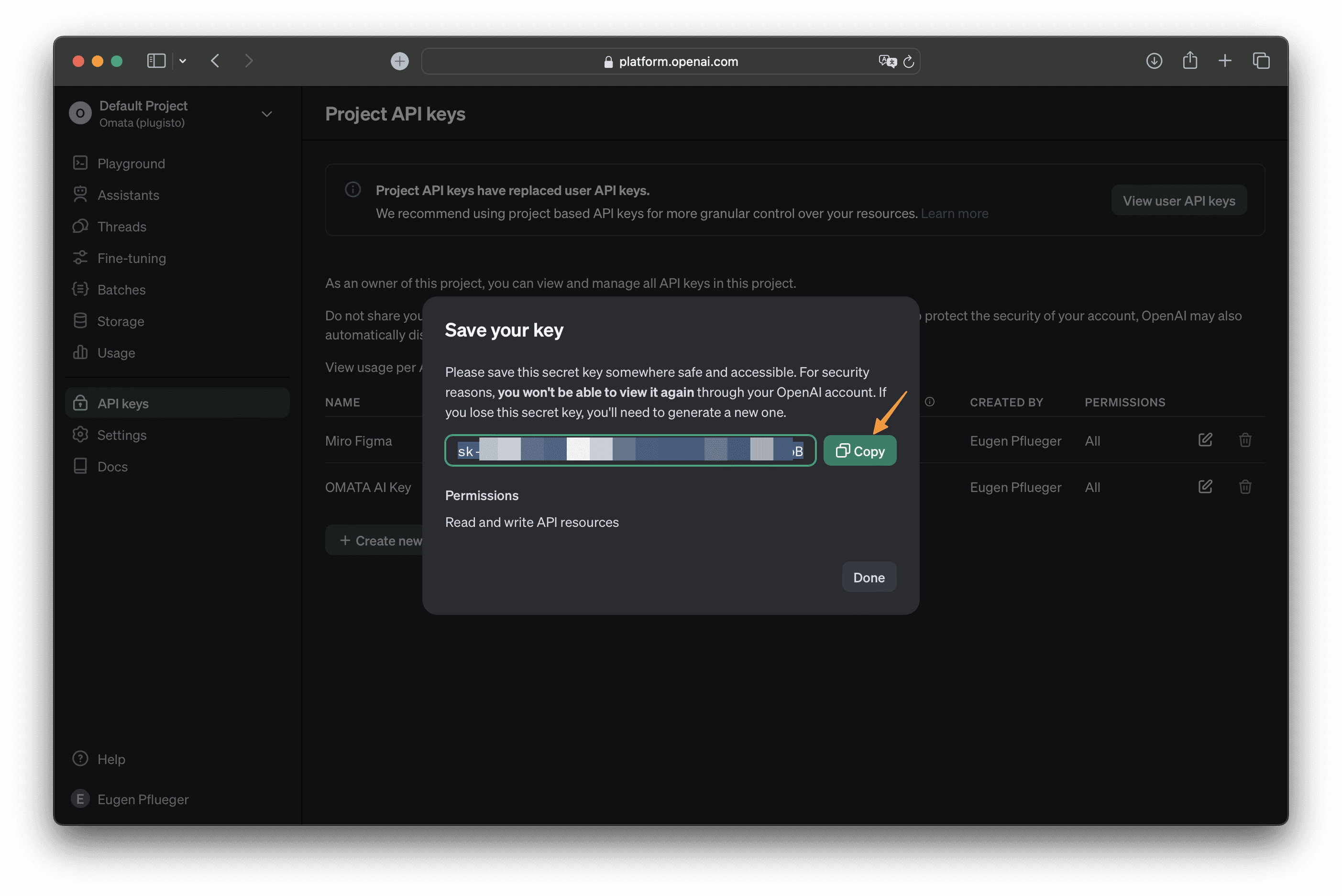
Create a key and save it somewhere as you will not be shown it again a second time. If you need a new one then just create a new one.
Create a new API key and give it a name.
Copy the API key and enter it in OMATA AI.
Enter the API key in MATE plugin
In the setup process or on the settings page change / add the API key.