How to create a Sine Wave Generator script (with UI) for Adobe Illustrator

Astute Graphics asked me to create several Illustrator scripts for the MATE Illustrator Script Bundle in Astute Manager Pro. One of them was a script I had wanted for a long time: a Sine Wave Generator with editable vector output.
I made the first version with MATE for Illustrator and Gemini 3.5 Flash. It took about five minutes and worked in one shot.
It's a simple script with UI to create technically correct sine waves. Quick and simple.
Update |
|---|
GPT-6 Luna (usage included with MATE), GPT-6 Sol, Opus 5.5 are also now very good with Illustrator. You can get the same results as with Gemini now. Luna is included - so as a MATE user it's free to use. |
Features
The script has some nice features: ScriptUI with live preview. Values are automatically using the documents units. You can turn off the UI in code and you can prompt MATE to use the script, set properties and produce as many sine waves as you want.

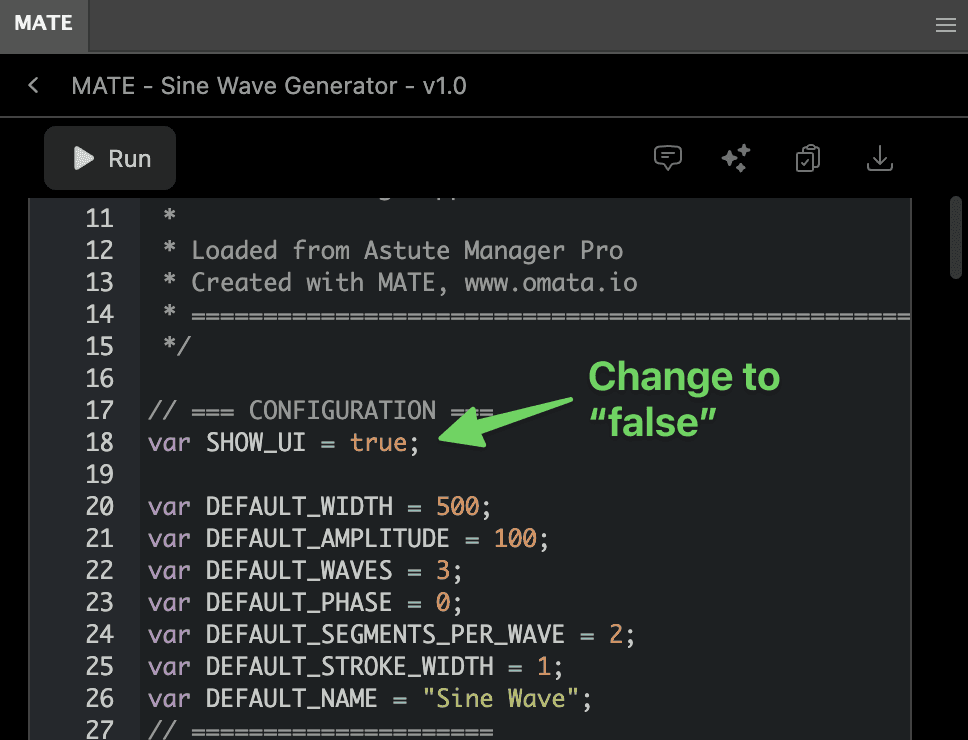
Open the script in MATE and just replace SHOW_UI = true with SHOW_UI = false and the UI won't be shown. This way MATE can call the script without needing you to operate the UI.
Examples
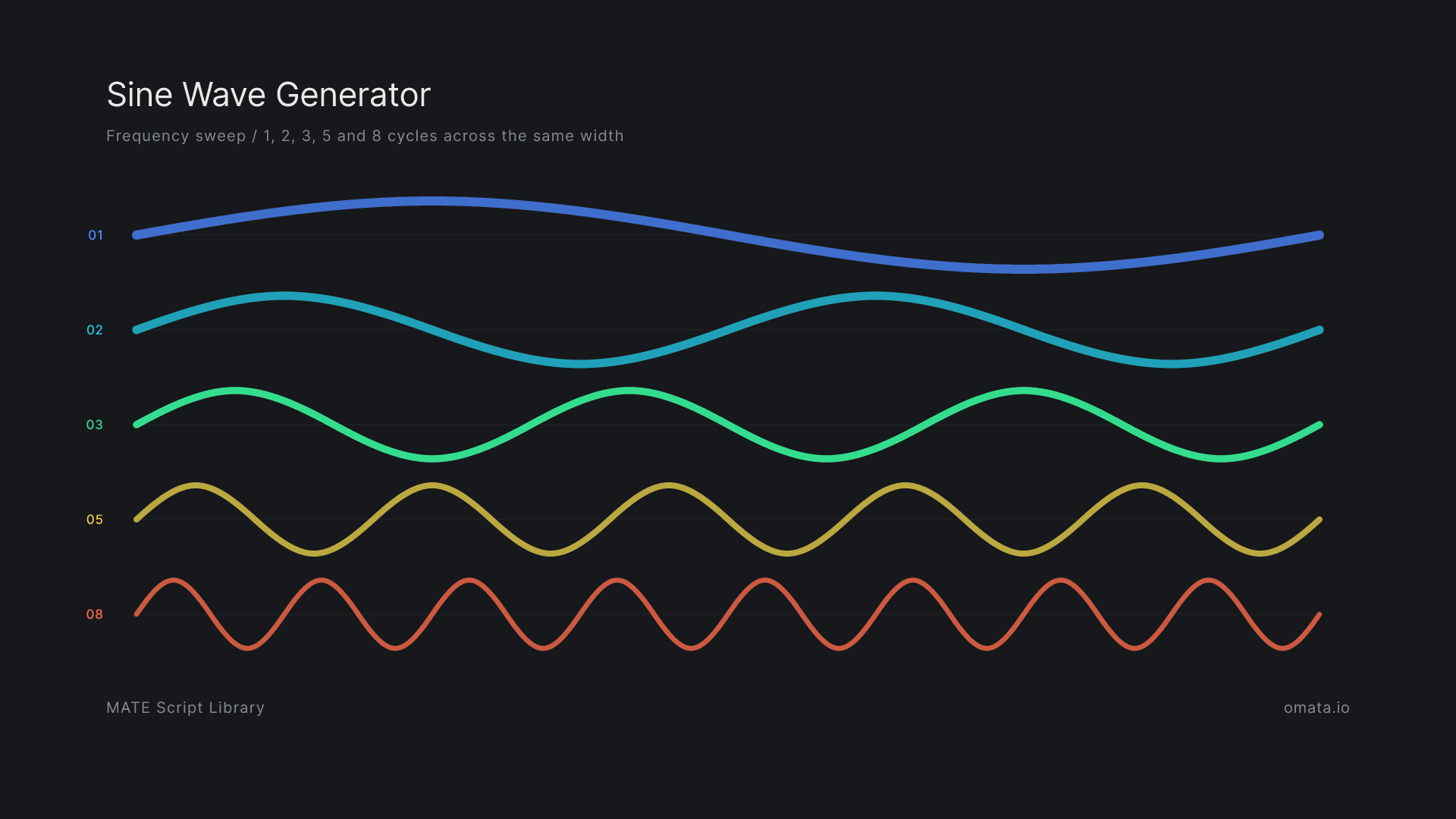
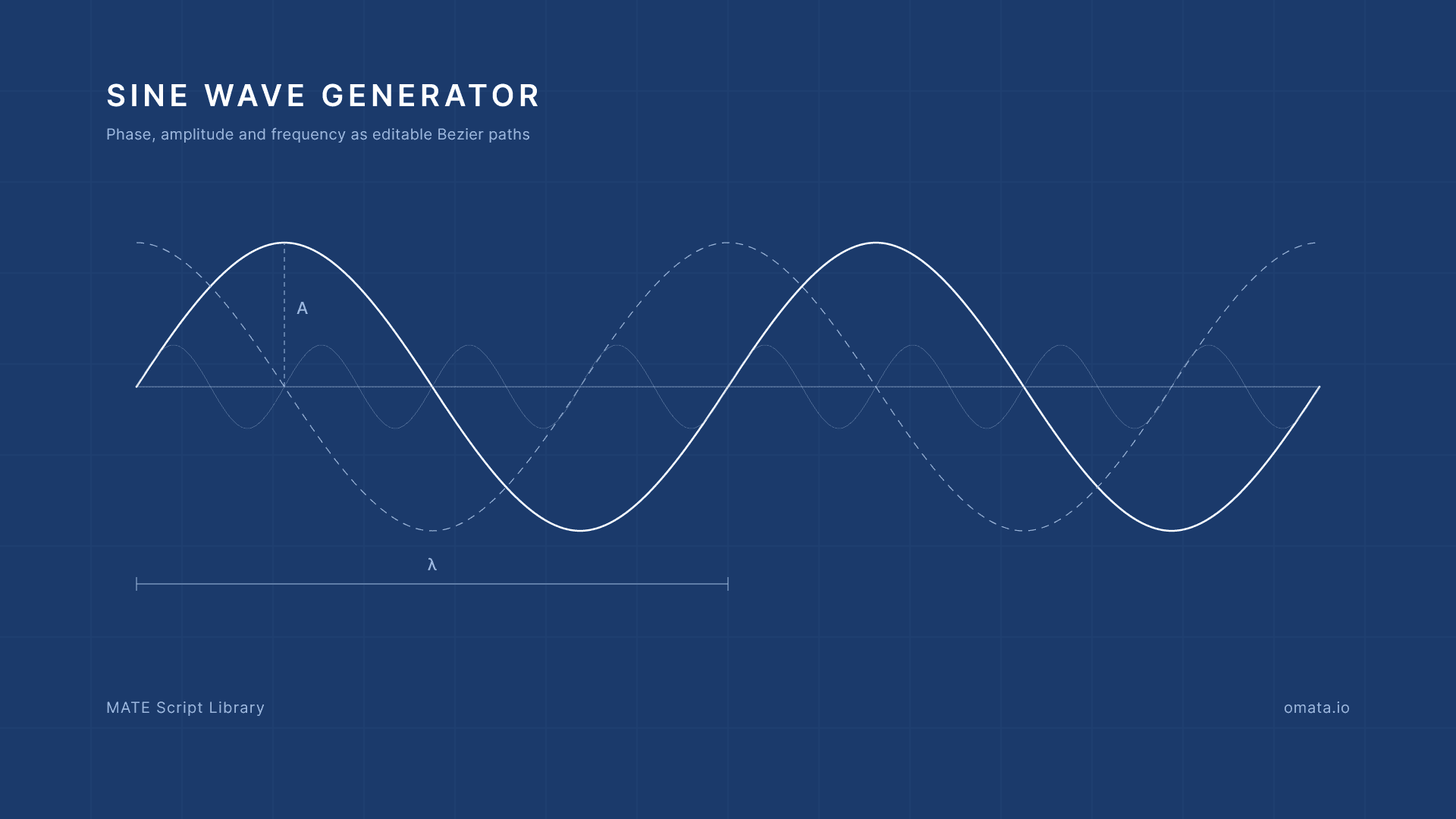
These two examples were created with it.
The idea
The goal was to create accurate sine waves with adjustable amplitude, frequency, and phase in seconds instead of drawing them manually. The paths also had to remain clean and editable. AI-generated scripts often fake a smooth curve by joining hundreds of anchor points. We wanted curves a designer could adjust, built from only a few well-placed Bézier segments.

The initial prompt
This was the prompt I used:
I sent the prompt from MATE inside Illustrator. Gemini wrote the script, and I could run it directly in the app and check the result.
Why I used Gemini Flash
Gemini Flash is very good at Illustrator scripting. It handles the quirks of the ExtendScript API, including Illustrator’s flipped y-axis and the way it handles artboards, more reliably than most models I have tried. GPT-5.6 Sol is also very good.
The Sine Wave Generator was made with Gemini 3.5 Flash. It produced a working first version in one shot.
Update: GPT-6 Luna (usage included with MATE), GPT-6 Sol, Opus 5.5 are also now very good with Illustrator. You can get the same results as with Gemini now. Luna is included - so as a MATE user it's free to use.
Finishing the UI and live preview
The first script worked. We still spent hours on the interface and live preview.
We adjusted the controls, their labels and defaults, and the layout of the dialog. The live preview needed to update reliably while changing the settings. We kept testing the result in Illustrator until the generator felt like a small tool we would use ourselves.
That work took much longer than generating the script itself. It is also what made the final version useful.
But MATE can call it, too.
The finished Sine Wave Generator is part of the MATE Illustrator Script Bundle in Astute Manager Pro. You can use it as it is.
If you want a different version, import the script into MATE and keep working on it. For example, you could add a control that increases the curve over time, or adapt the script for animation.
Once the script is in your library, MATE can call it again from chat. Just prompt: Use the "Sine Wave Generator" script from my library and generate 10 sine waves.