Installing MATE Desktop on Windows
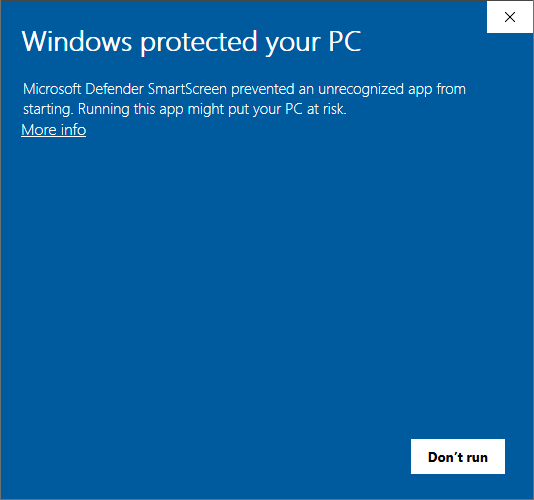
MATE Desktop is digitally signed through Microsoft’s signing service. Because the app is new, Windows SmartScreen may still show a blue “Windows protected your PC” warning while it builds download reputation.
If this warning appears when you open the installer, follow these two steps:
Click “More info”
Click “Run anyway”
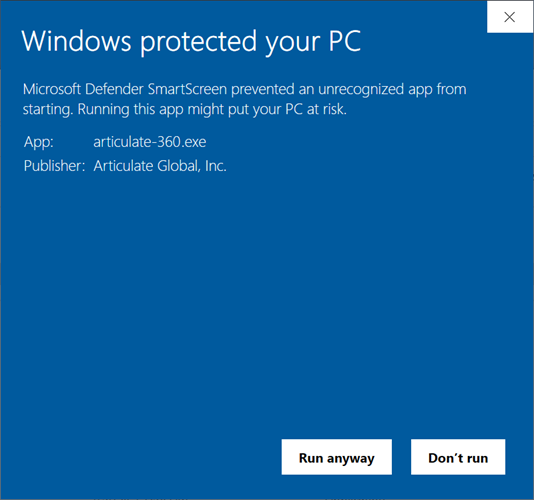
Reference screenshots: Articulate Support. Your MATE Desktop installer will show Eugen Pflüger as the publisher.